Six beginner's interactive tutorials on Bitcoin wallets, don't miss out on the next wealth password.

Recently, the Bitcoin ecosystem has become one of the most talked-about topics in the community in the past few weeks.
UniSat announced the launch of the brc20-swap mainnet, and the sats token has seen a significant increase in value. There have been frequent surges in brc-20 projects. Lightning Labs has introduced a new Bitcoin protocol, Taproot Assets, which offers airdrops to users. The RGB protocol allows for the creation of smart contracts on the Bitcoin network. The first recursive inscription game, "Pixel Wars," has been launched on the Bitcoin ecosystem Ordinals, and more.
With the rise of numerous Bitcoin ecological projects, each project has launched its own Bitcoin wallet. Users must configure the corresponding wallet product in advance when participating in these "new games", otherwise they will miss the opportunity to "grab the head mine".
BlockBeats has compiled the registration and usage methods of popular Bitcoin ecological protocol wallet products in recent times for readers' reference.
Unisat Wallet
Initially, UniSat, the developer of BRC-20, seemed like an "outlier" in the new ecosystem, but now BRC-20 is driving the Bitcoin network crazy. As the first mover, UniSat is one of the few projects that truly seized the opportunity.
As the first open-source browser extension wallet for Ordinals on Bitcoin, UniSat Wallet can store and transfer Ordinals, view unconfirmed inscriptions, is 100% open-source, records (mint) instantly without running a full node, and can store and transfer brc-20.
It can be said that BRC broke through the circle due to good luck during the "meme season", or it can be said that the popularity of BRC cannot last too long, but the returns obtained by UniSat are real and substantial. Currently, the Bitcoin ecosystem has become popular, and UniSat is almost the first choice for participants.
Wallet Registration Tutorial
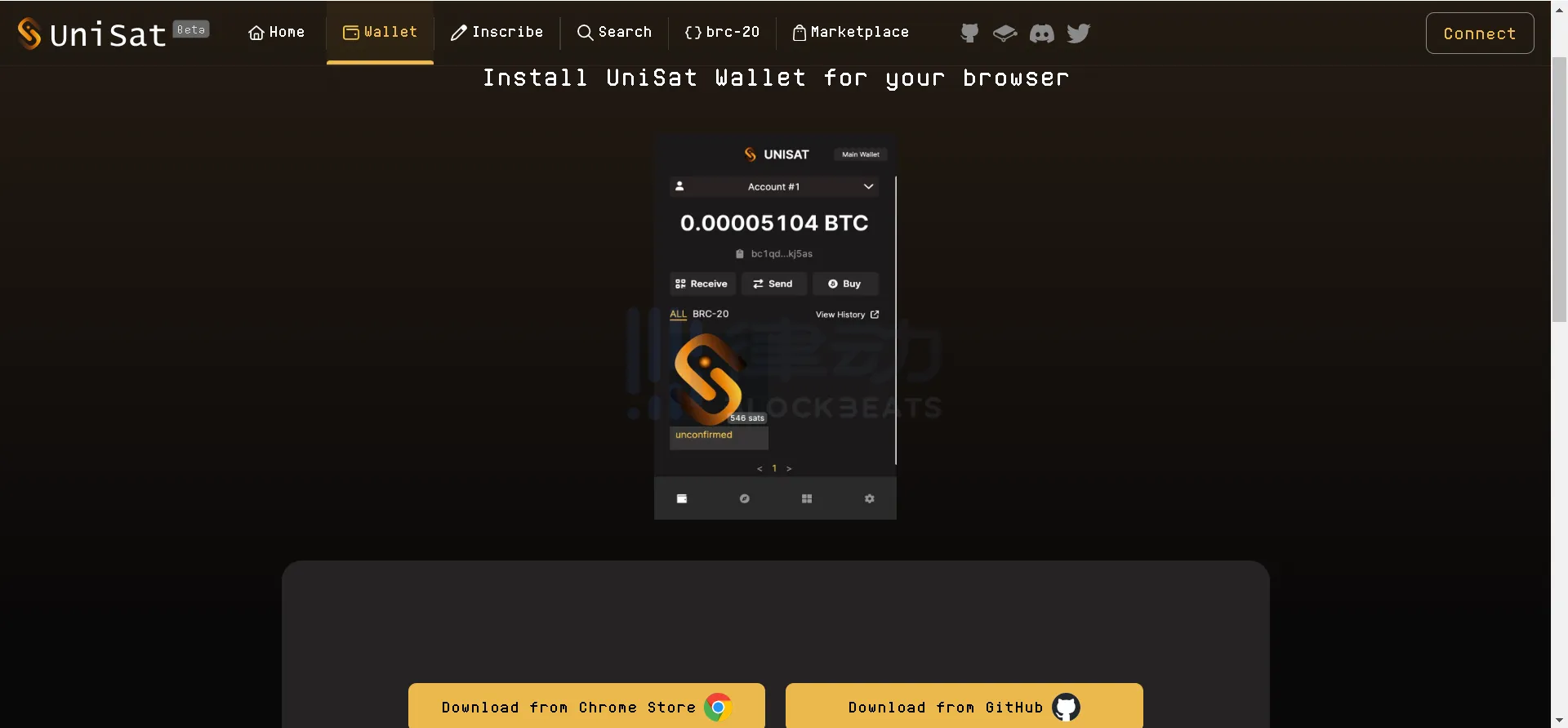
1. Open the Unisat official website, select the Chrome browser to download the plugin and install it.
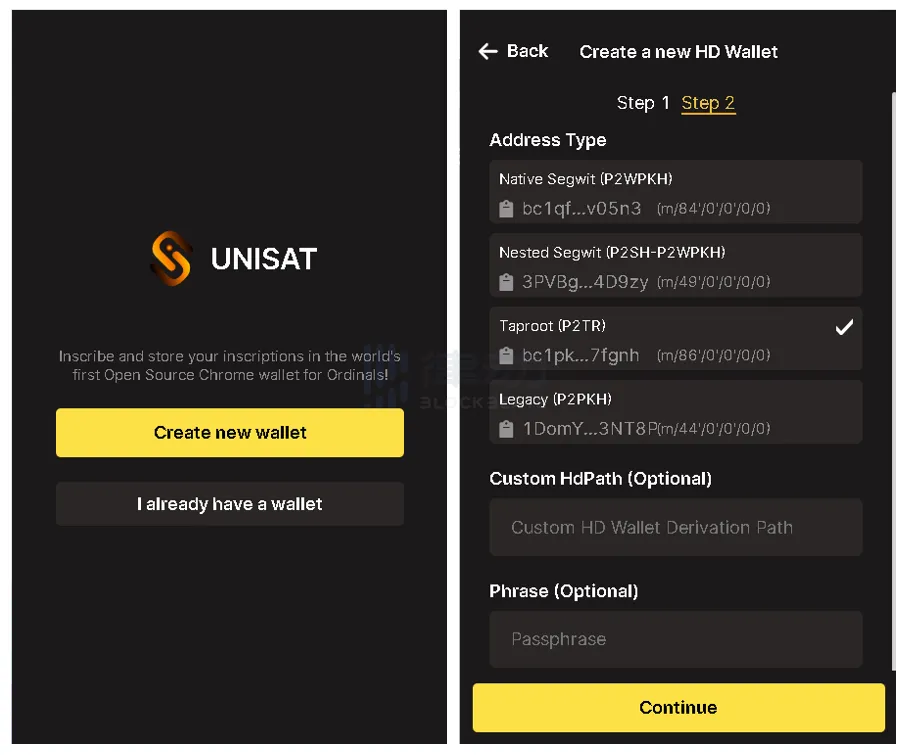
2. Open the Unisat plugin in the Chrome browser extension. New users should select "Create new wallet" on this interface. After entering a password to register, a 12-word mnemonic phrase will pop up. Backup the mnemonic phrase and select the address with "m/86/0/0/0/0" at the end. Click "Continue" to create the wallet successfully.
铸造 BRC-20
translates to
Casting BRC-20
.BRC-20 is a homogenized token protocol issued on the BTC native chain, which is comparable to ERC-20. Due to the relatively high minting cost of Unisat Wallet, it can be used to view real-time information about the inscription minting, such as the text and number of minting, the quantity of minting completed, and the holder, etc.
Related reading: "Brc20 Token forging tutorial, the hottest topic on the internet recently".
Ordinals Wallet
Ordinals Wallet is the native wallet of the Ordinals ecosystem. As a non-custodial BTC wallet, it allows users to view and store BTC and Ordinals NFTs.
Wallet Registration Tutorial
1. Open the Ordinals Wallet official website, click on the "Connect Wallet" button in the upper right corner, and select the Ordinals Wallet link.
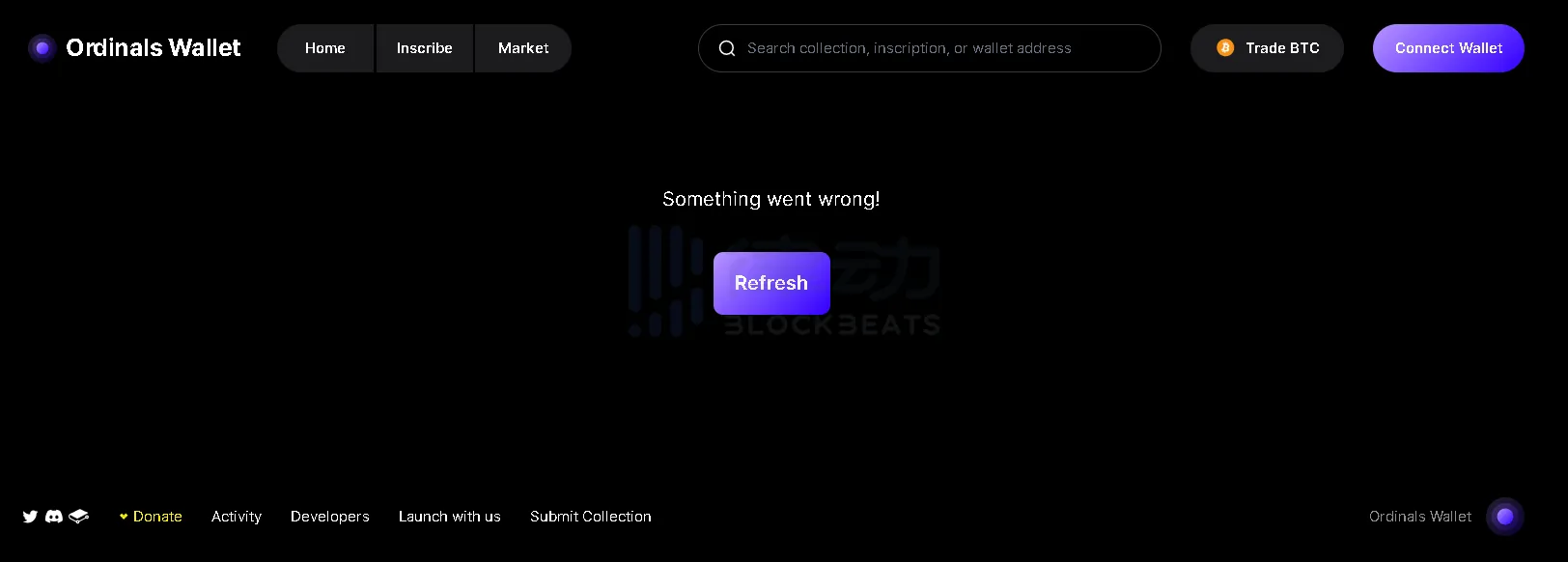
2. New users can select "Create new wallet" on this interface (创建新钱包). After entering a password to register, click "Generate seed phrase" (生成助记词). After backing up the 12-word seed phrase, enter the required authenticated seed phrase and click "next" (下一步) to complete the creation process.

Trading BitMap
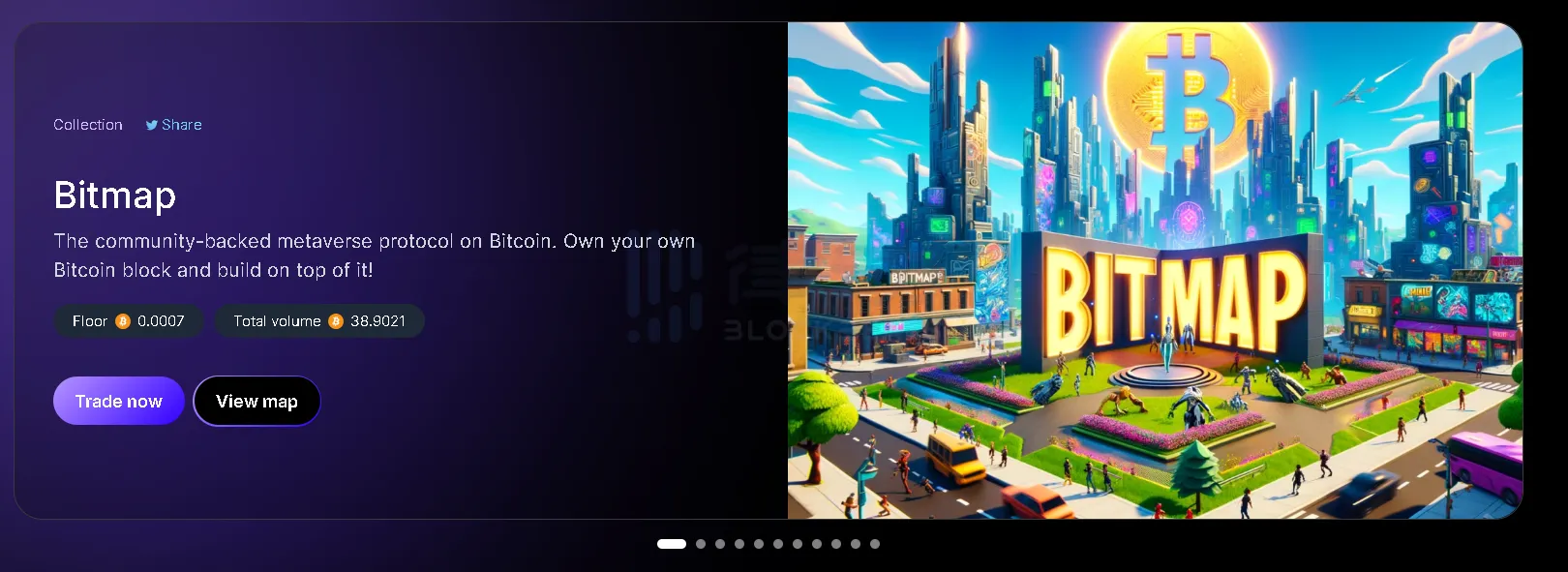
Bitmap is a metaverse protocol supported by the Bitcoin community, where each plot of land represents a BTC block number. According to Ordinals Wallet data, Bitmap has surged to the top of the Trending list at a floor price of 0.0007 BTC.

1. Click "receive" on the personal account page of Ordinals Wallet to generate a wallet address, copy it to the trading platform and transfer BTC. Select BTC in the trading network and confirm, then wait for the BTC to arrive in the account.
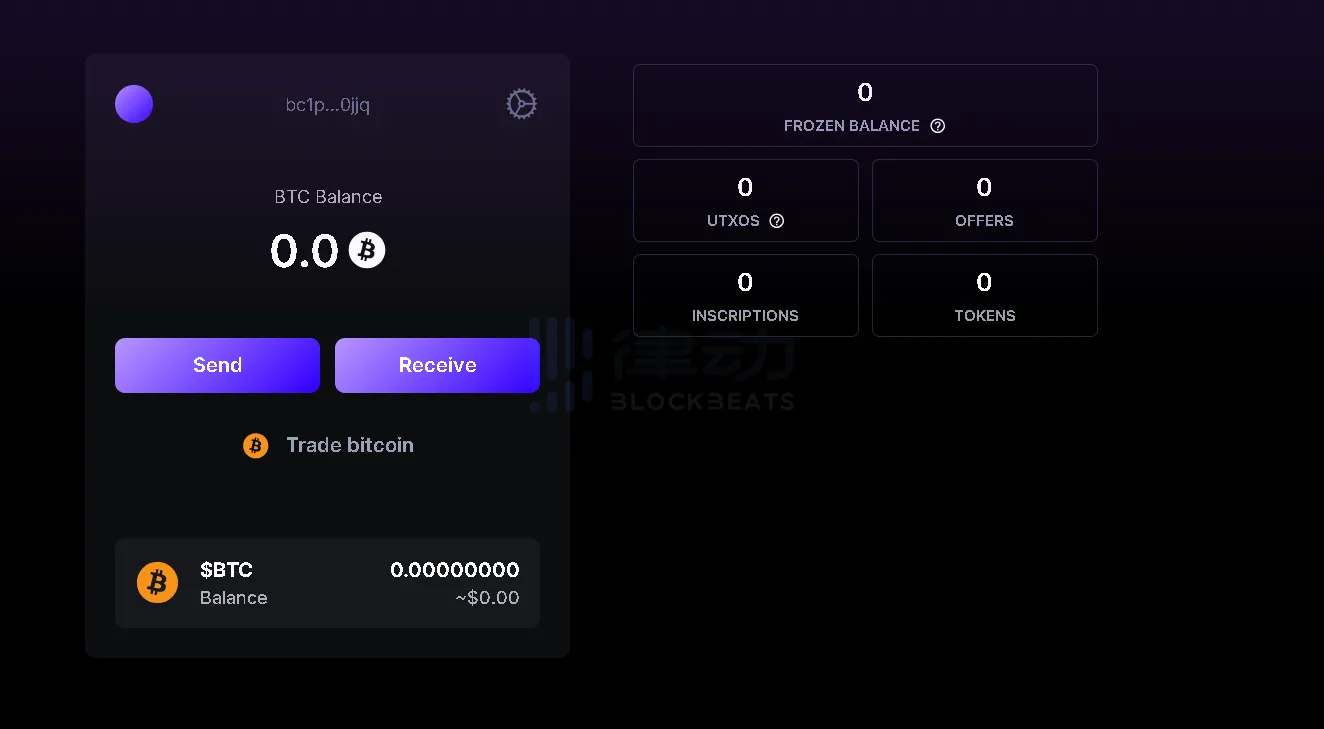
1. Click on the "Trade now" button for the Bitmap project on the wallet homepage.
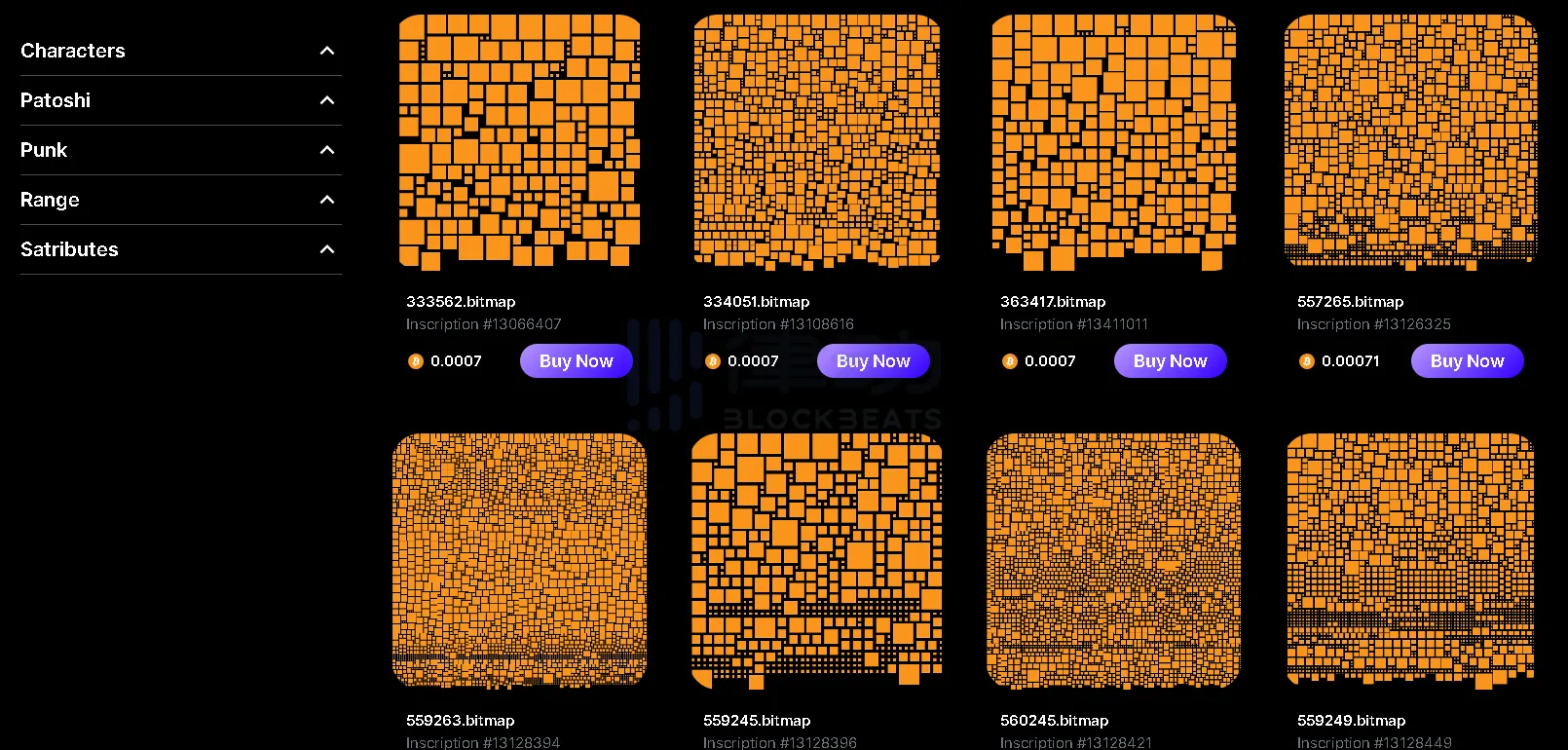
2. Choose a Bitmap you like, and you can adjust the Bitmap style you want to find in the feature retrieval column on the left. Click "Buy Now" to purchase.
ATOM Wallet
Atomcial is the "new darling" of the Bitcoin ecosystem. Compared to Ordinals, Atomcial allows for the storage of one or more files during casting, defines and updates the application state of basic file types and any complex file types, and uses Satoshis as the accounting unit for the first-class "ARC20". It provides decentralized and direct casting modes and comes with a built-in stock code naming service.
Atomicals protocol has solved the long-standing problem of representing any fungible token asset on the Bitcoin blockchain. Atommap is the first CPU-mined NFT on the Atomicals protocol, which has recently caused a stir in the Bitcoin community.
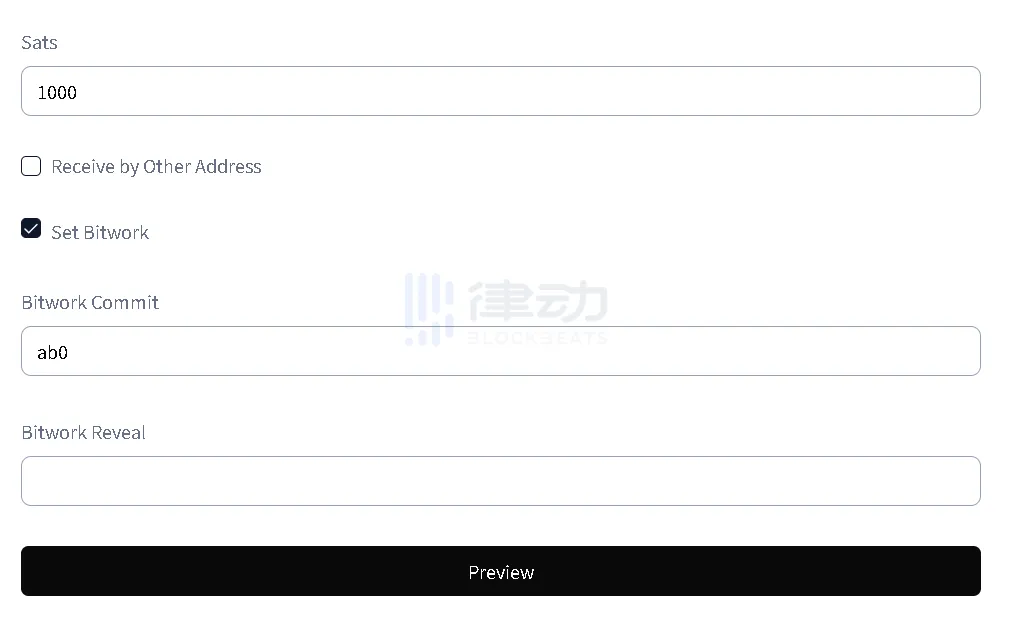
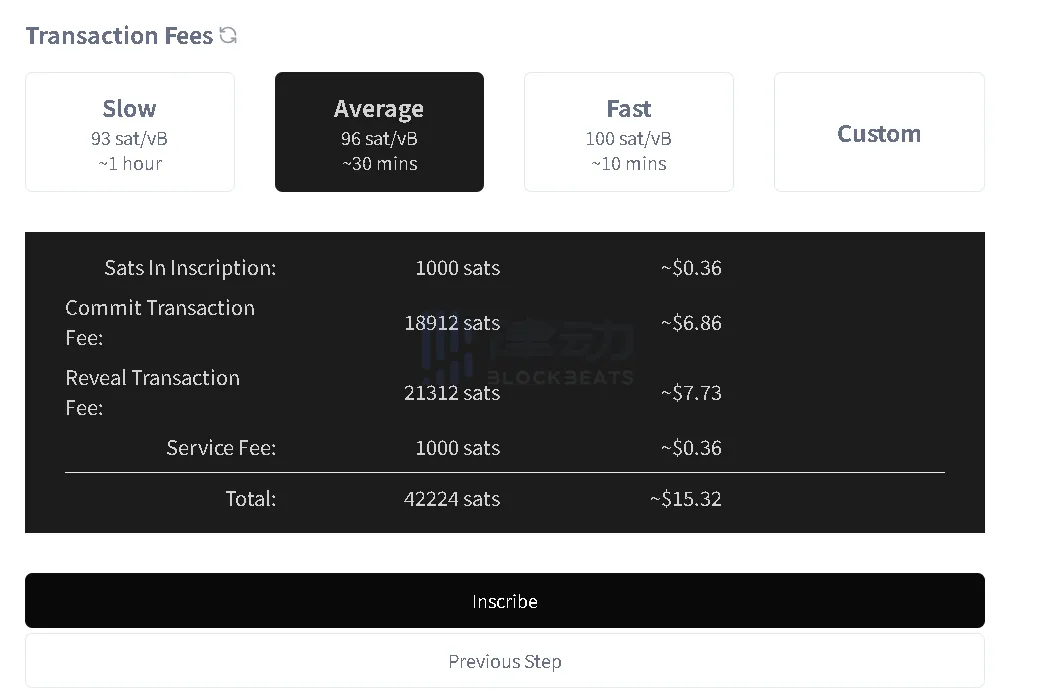
If you want to participate in Atommap mining, UniSat Wallet cannot meet the requirements. You must use ATOM Wallet to complete the operation normally.
Wallet Registration Tutorial
1. Open the ATOM Wallet official website, select the Chrome browser to download the plugin and install it.
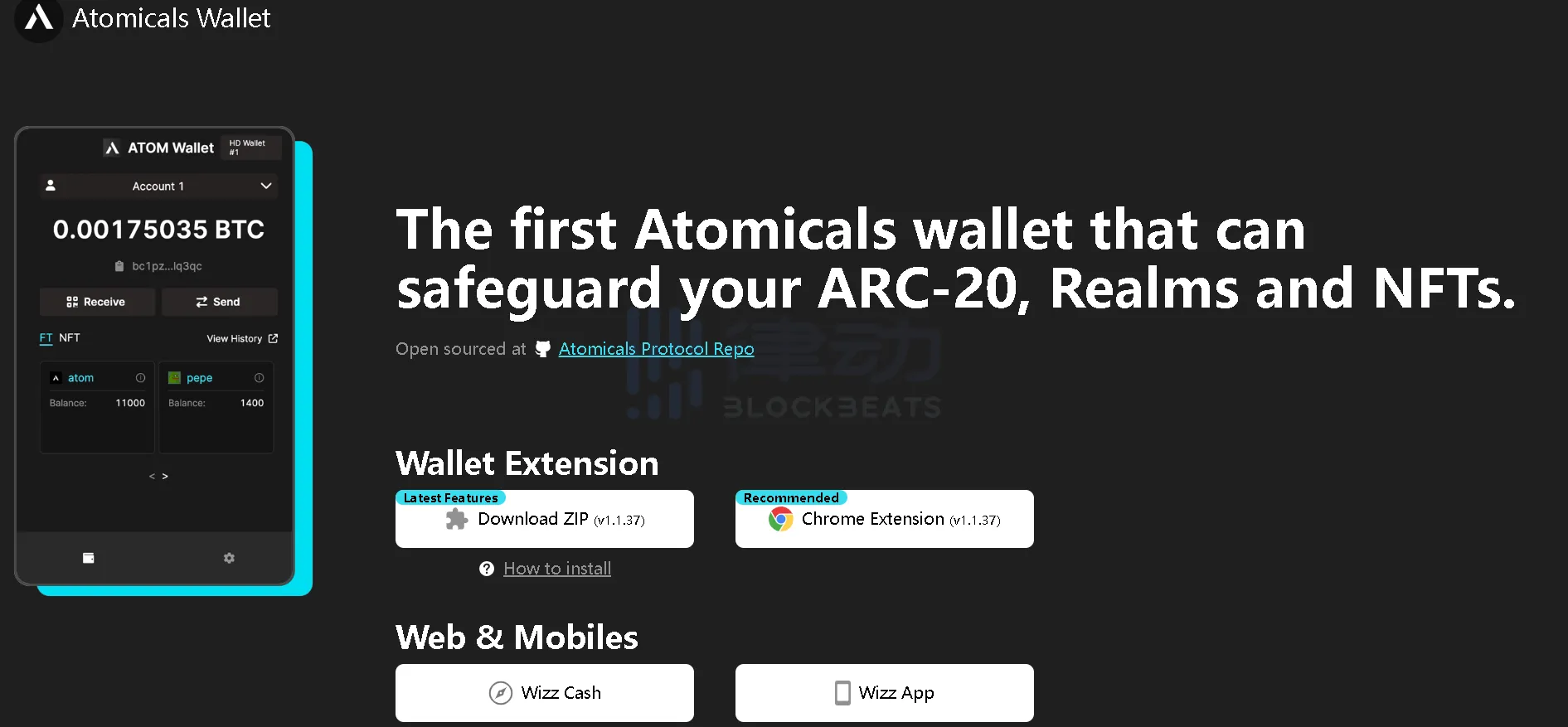
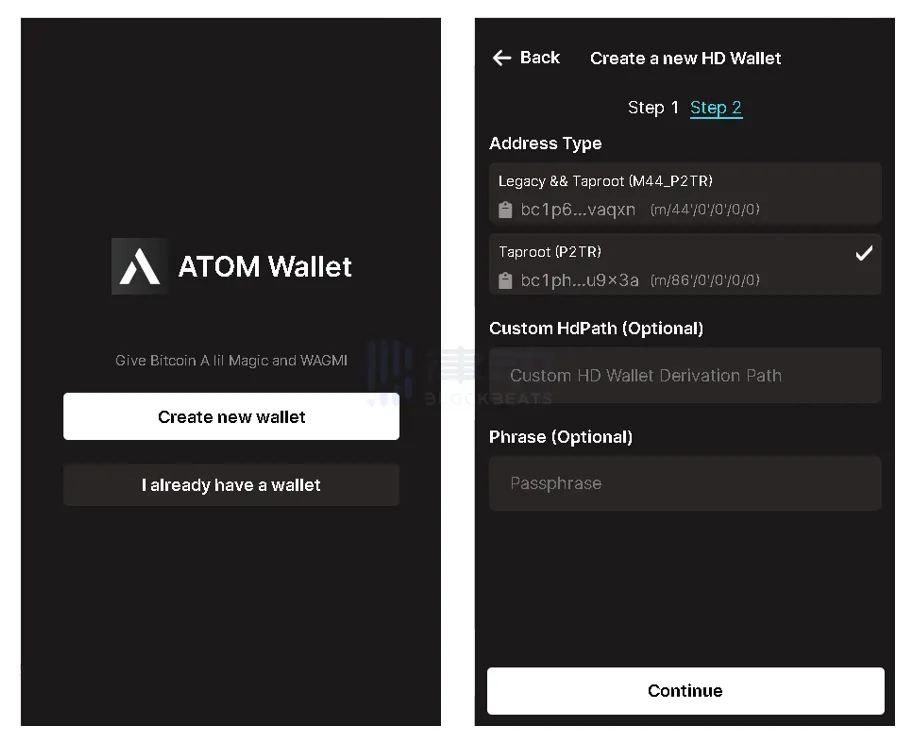
2. In the Chrome browser extension, open the ATOM Wallet plugin. New users on this interface select "Create new wallet" (创建新钱包). After entering a password to register, a 12-word mnemonic phrase will pop up. Backup the mnemonic phrase and select the address with m/86/0/0/0/0 at the end. Click "Continue" to create the wallet successfully.


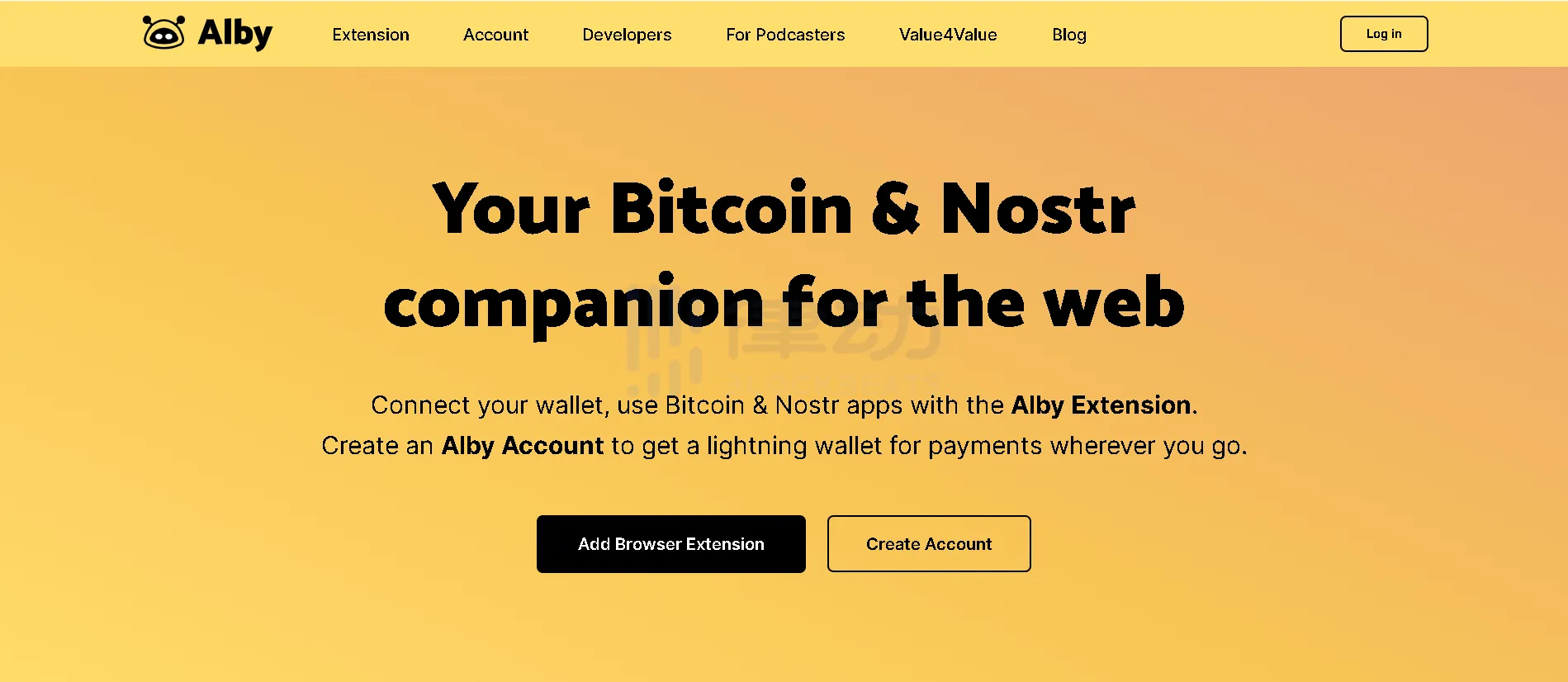
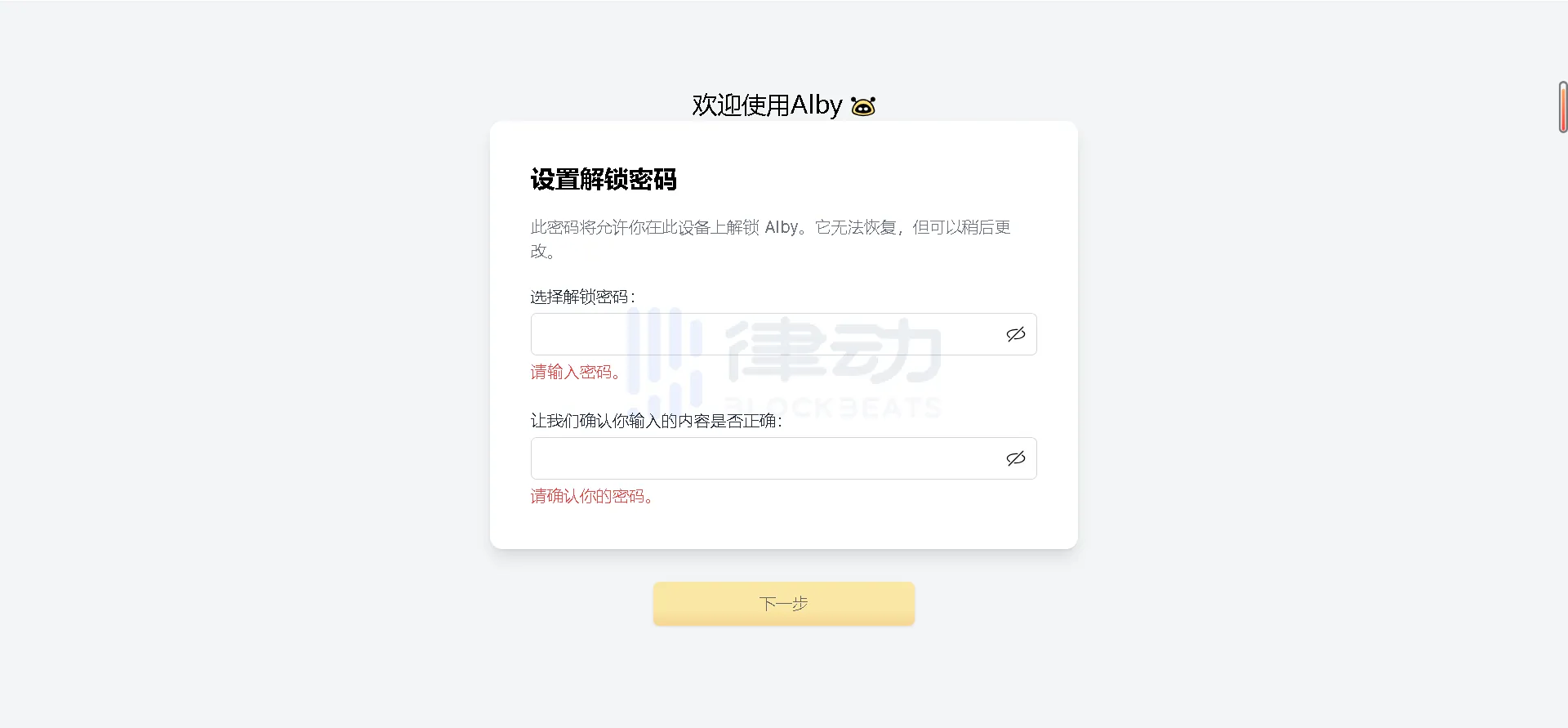
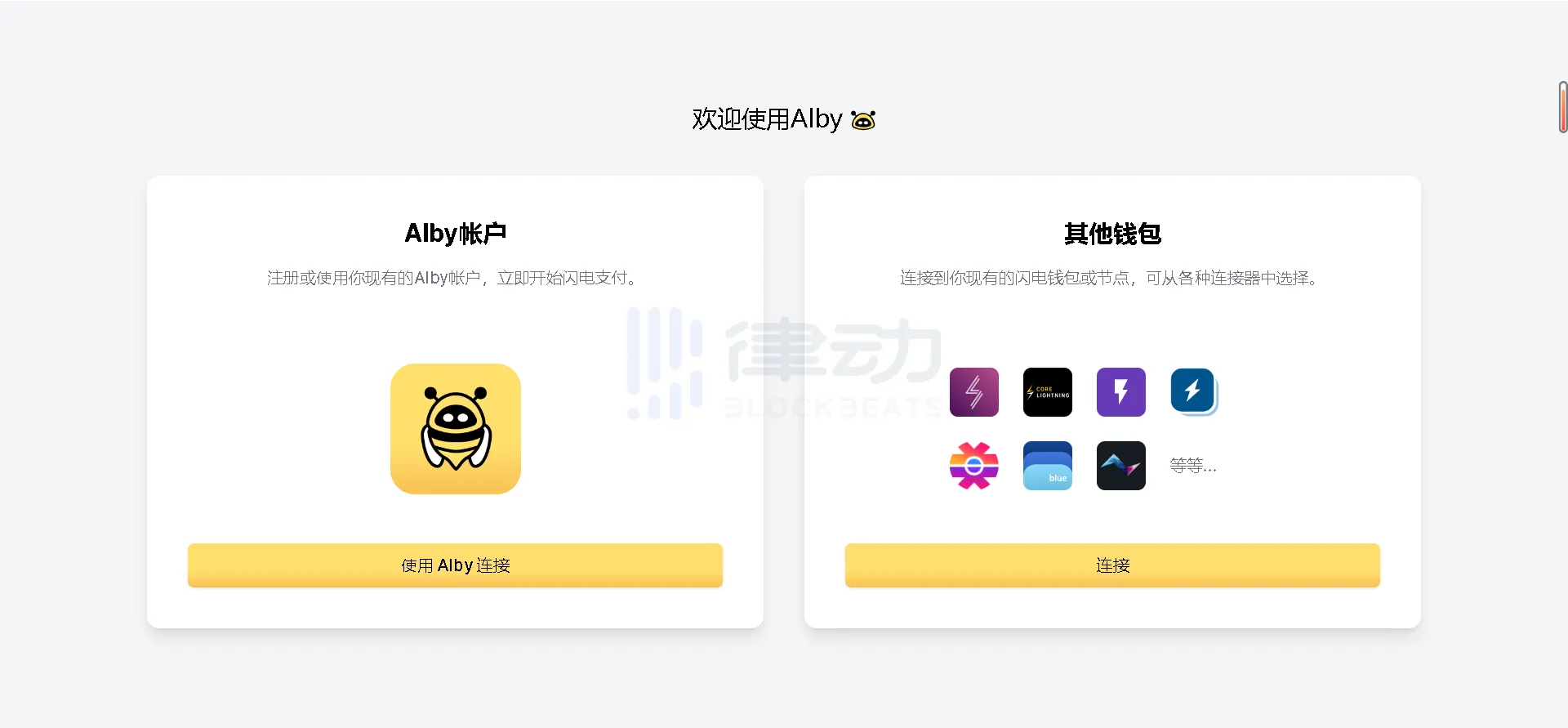
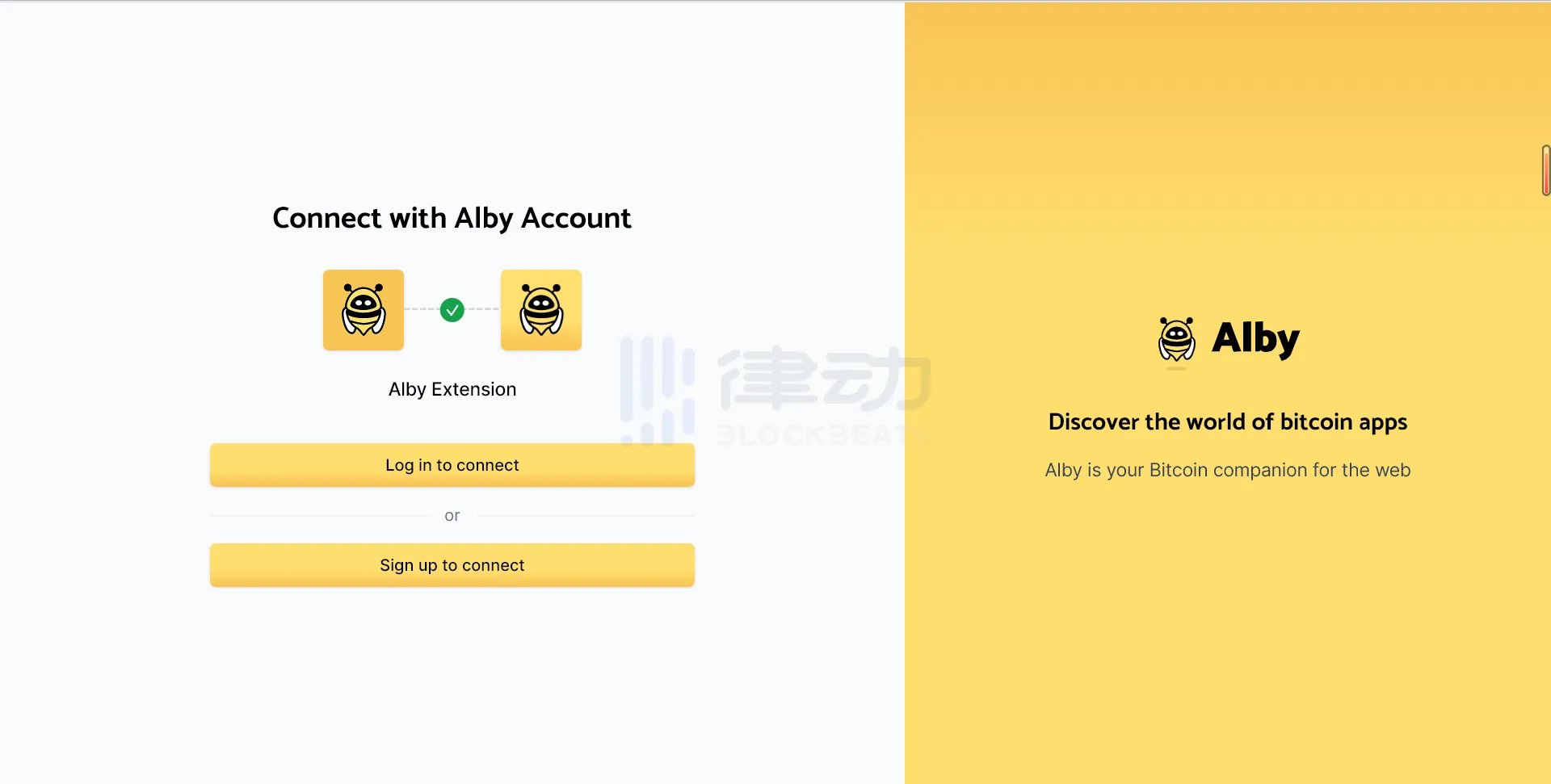
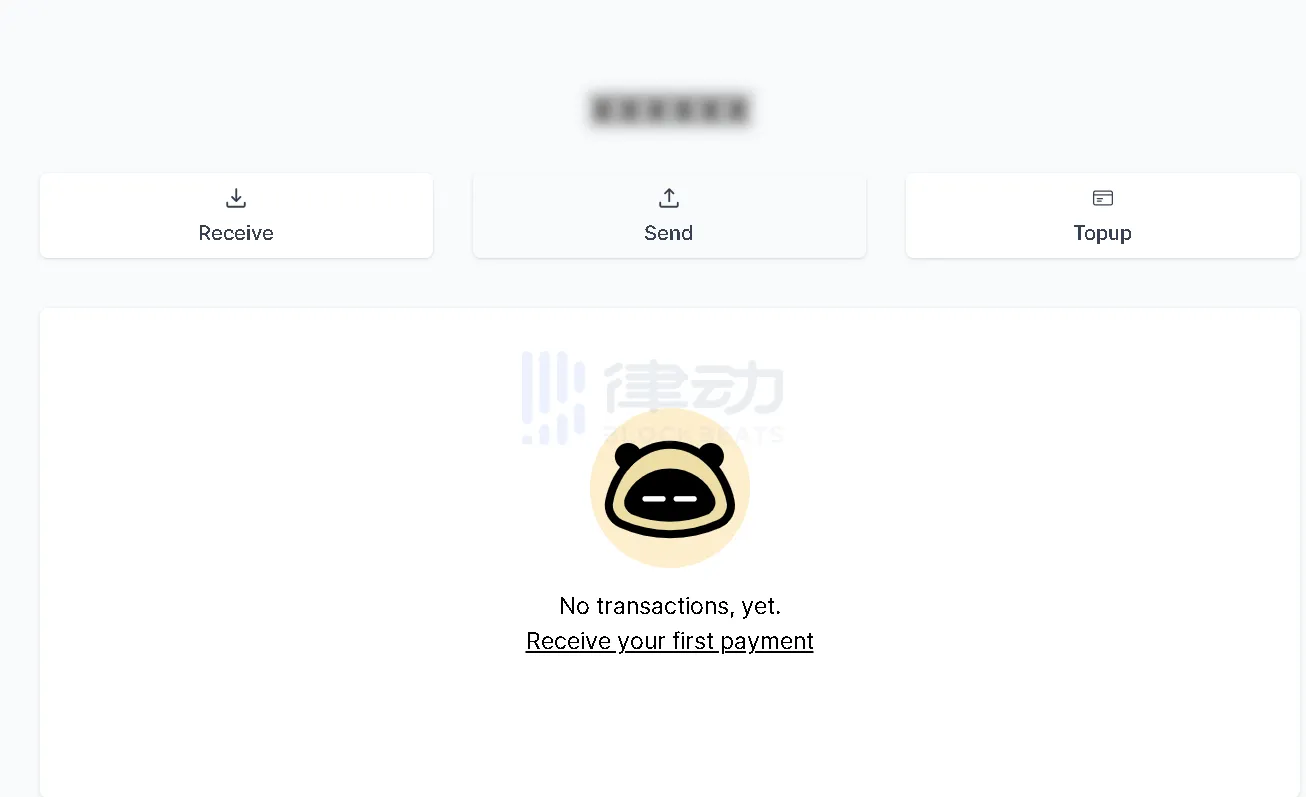
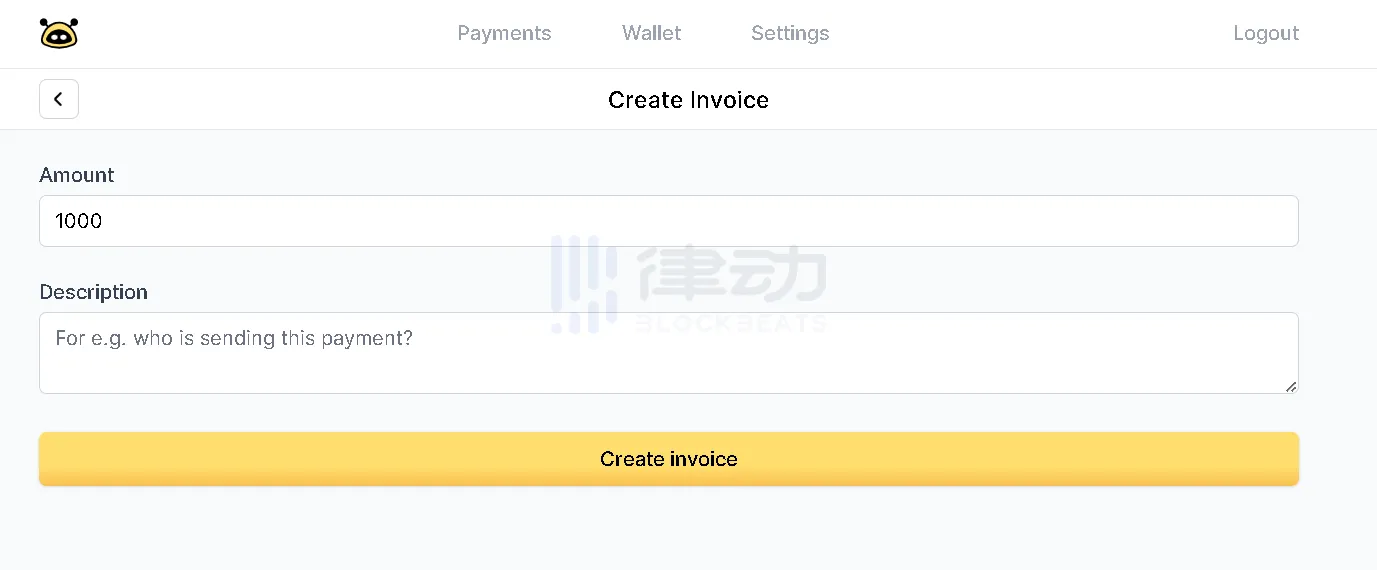
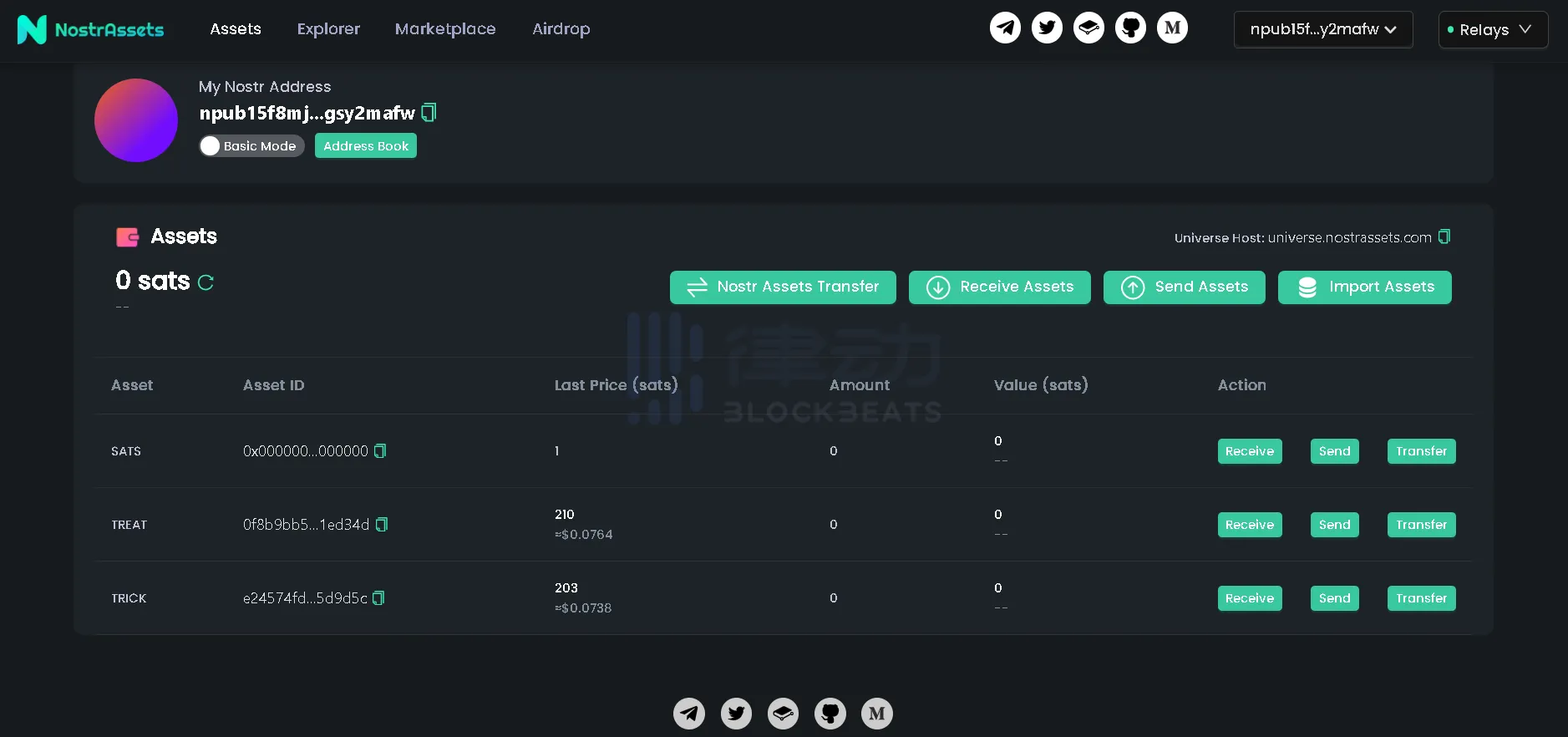
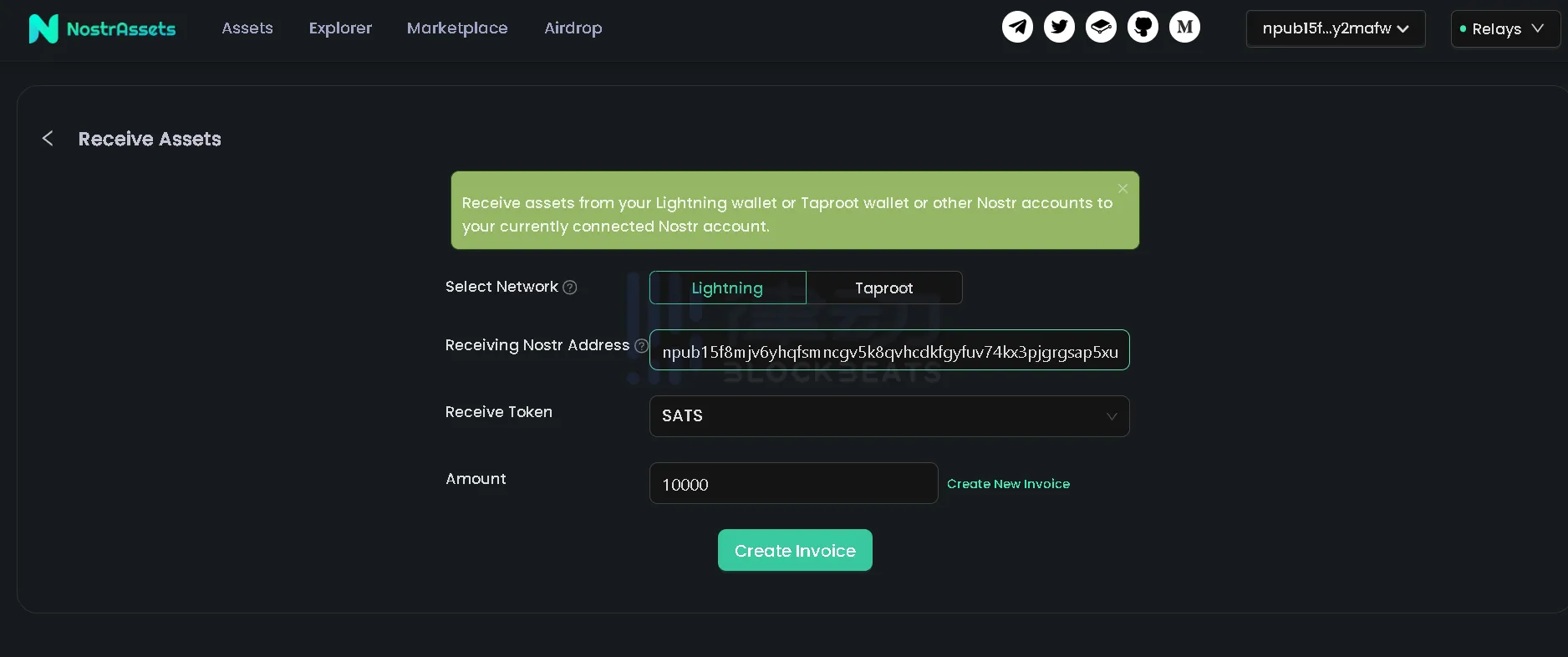
Alby Wallet

BitMask Wallet
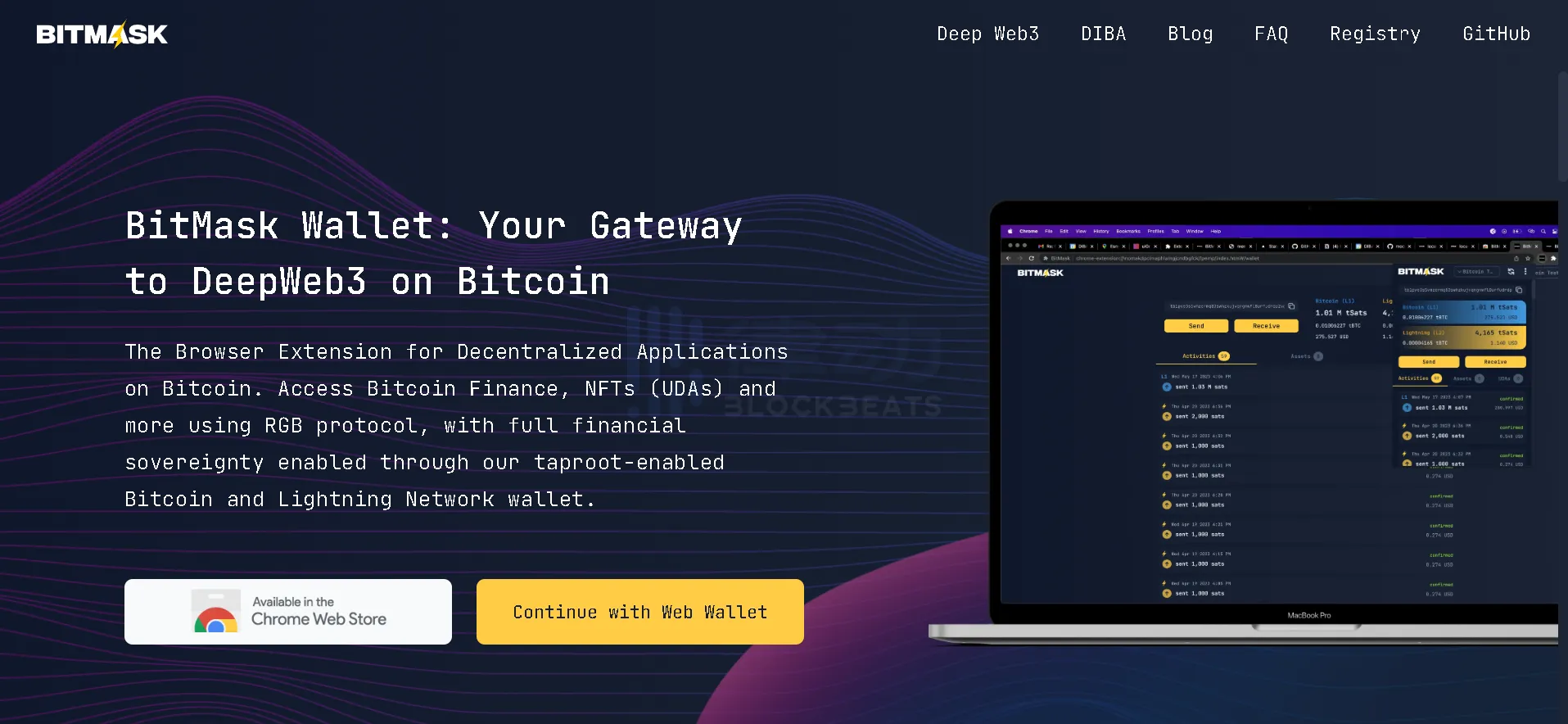
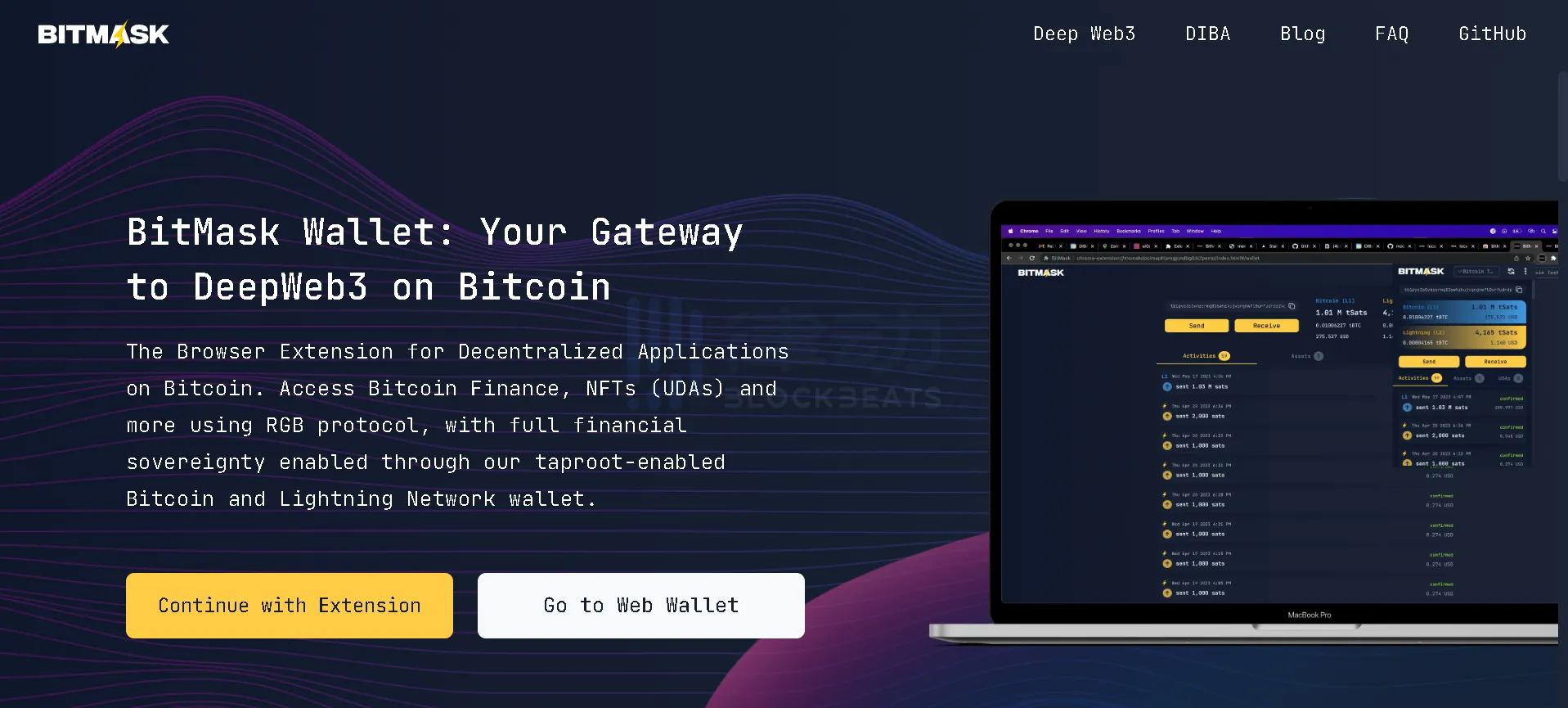
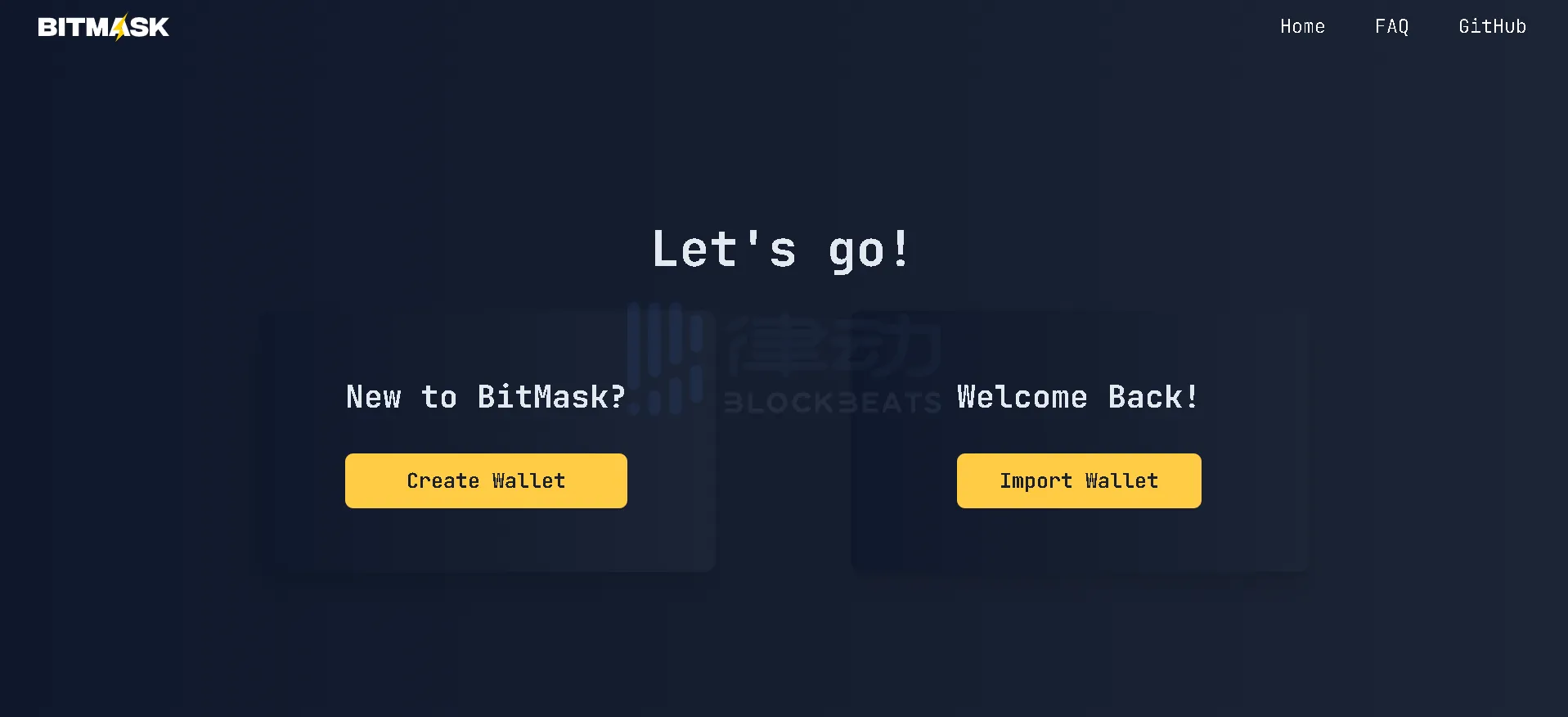
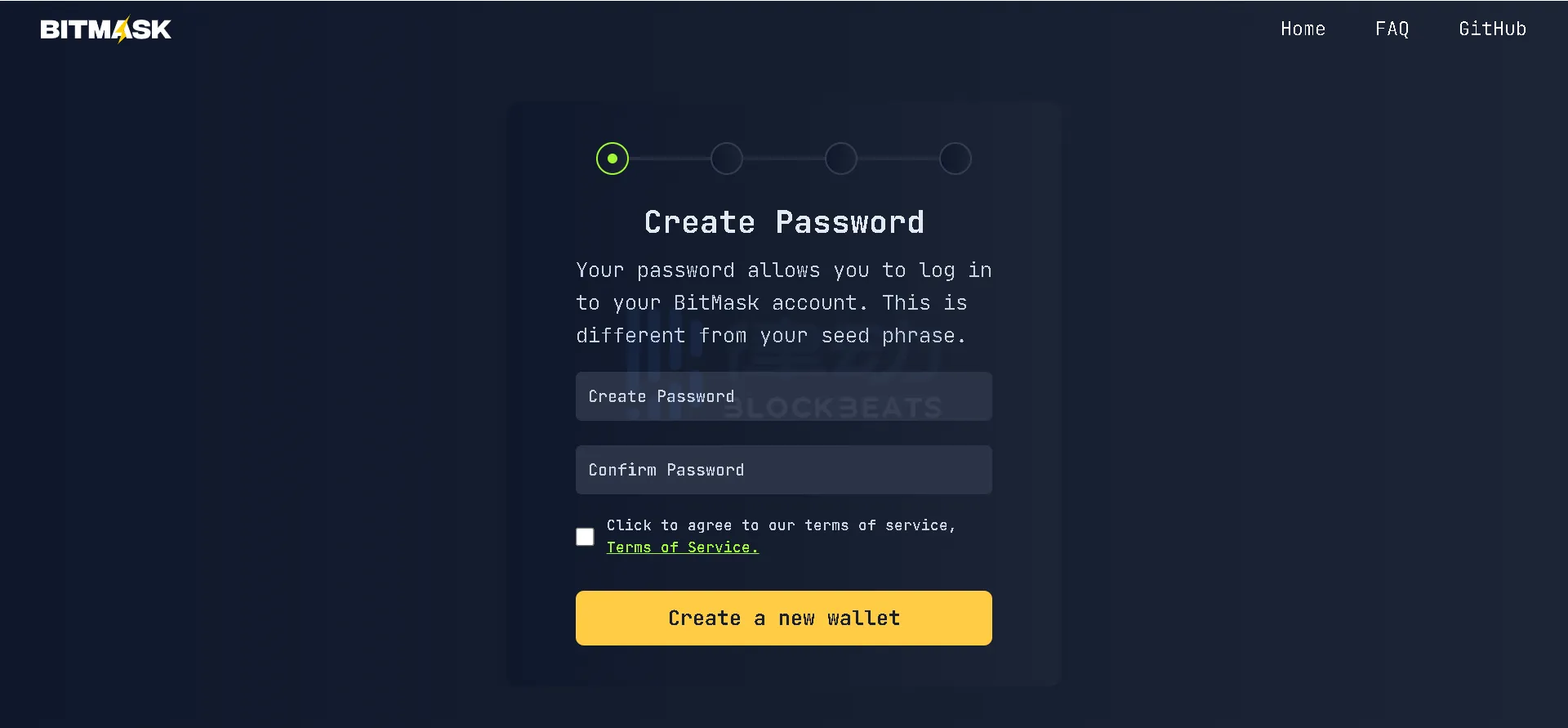
5. Create a username, which will generate a handle for you (e.g. username@bitmask.app) to use with Lightning Network and Nostr. Enter your username and click "Create username".
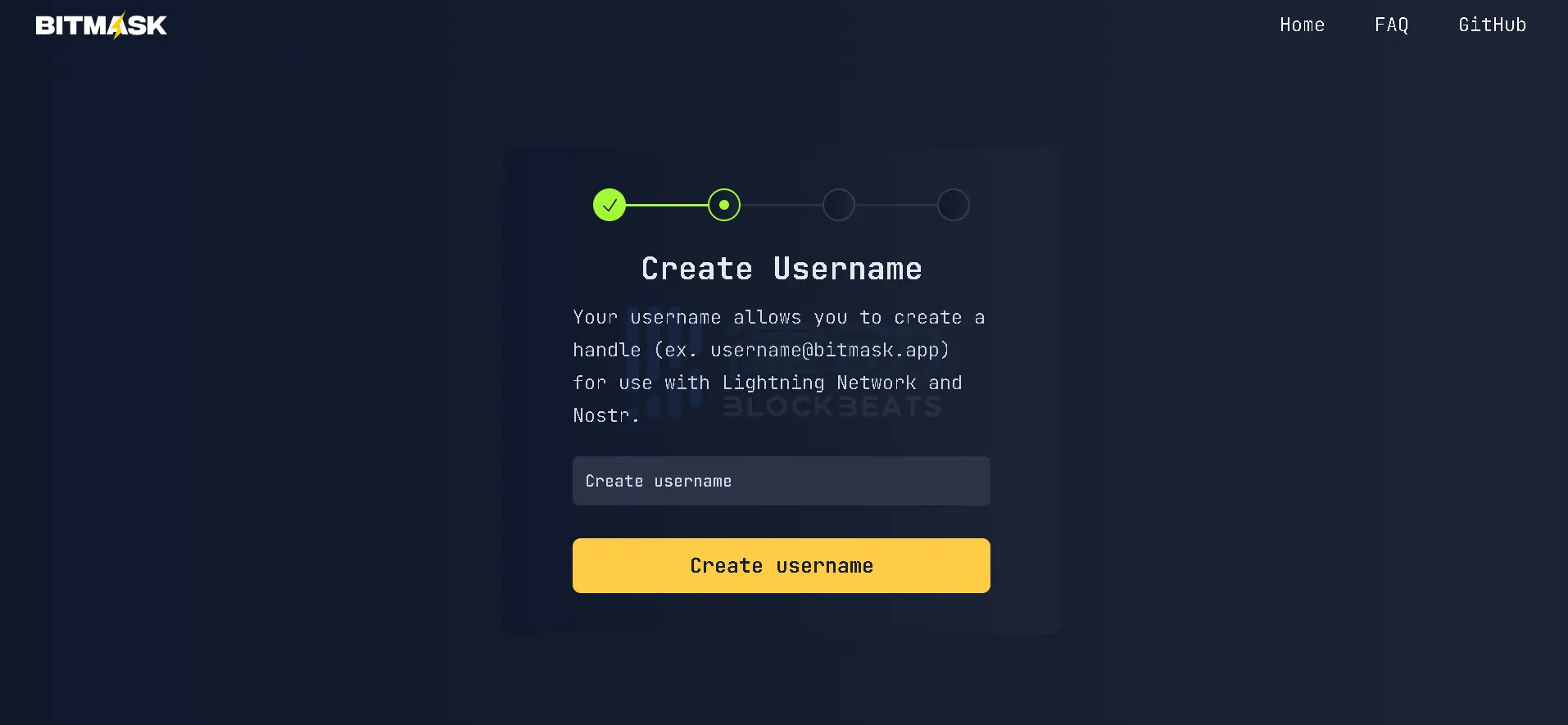
6. After the username is created, a reminder to generate a mnemonic phrase will appear on the page. After understanding the risk warning, click "Start" to display a 24-word mnemonic phrase.
7. Click "Copy mnemonic seed phrase" to save the mnemonic seed phrase, copy it to the "Enter seed phrase here" box and check the option below, click "confirm", after jumping to the new page, click "launch", and the BitMask wallet will be created.
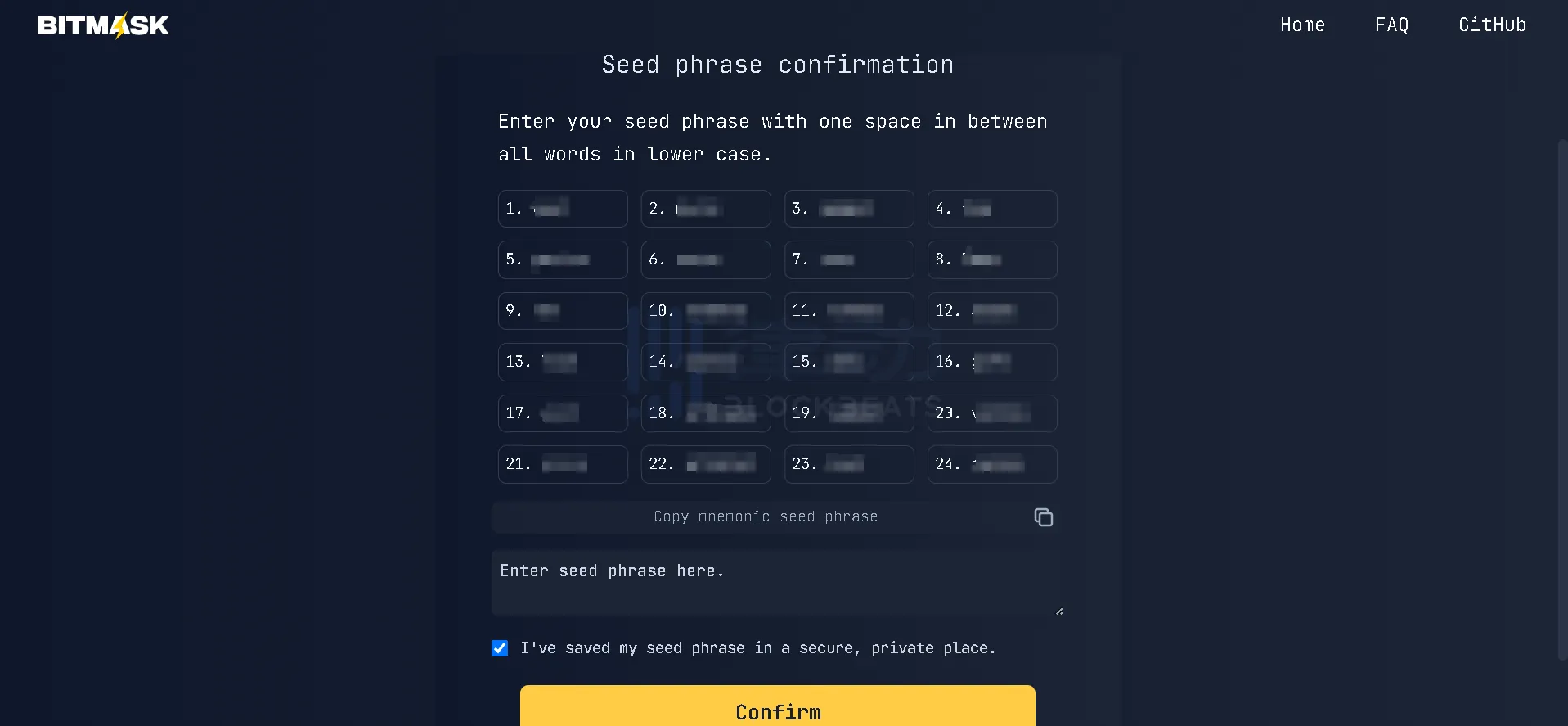
Currently, BitMask has been released to version v0.6.3. Users can transfer tokens and UDA, and also have the option to set whether the issued tokens will be published to the public list of future available assets. It is reported that BitMask will be updated based on test results and bug fixes.
铸造 PePe RGB
Casting PePe RGB
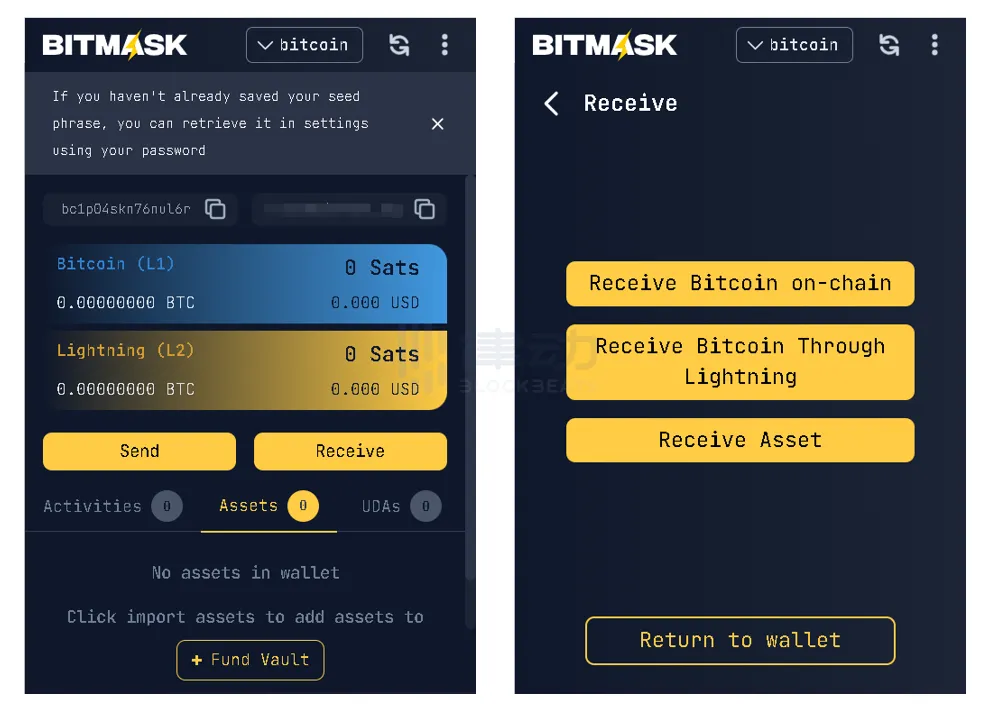
1. Open BitMask Wallet, click "Receive", select the asset network you want to transfer to, and copy the corresponding wallet address to the trading platform.
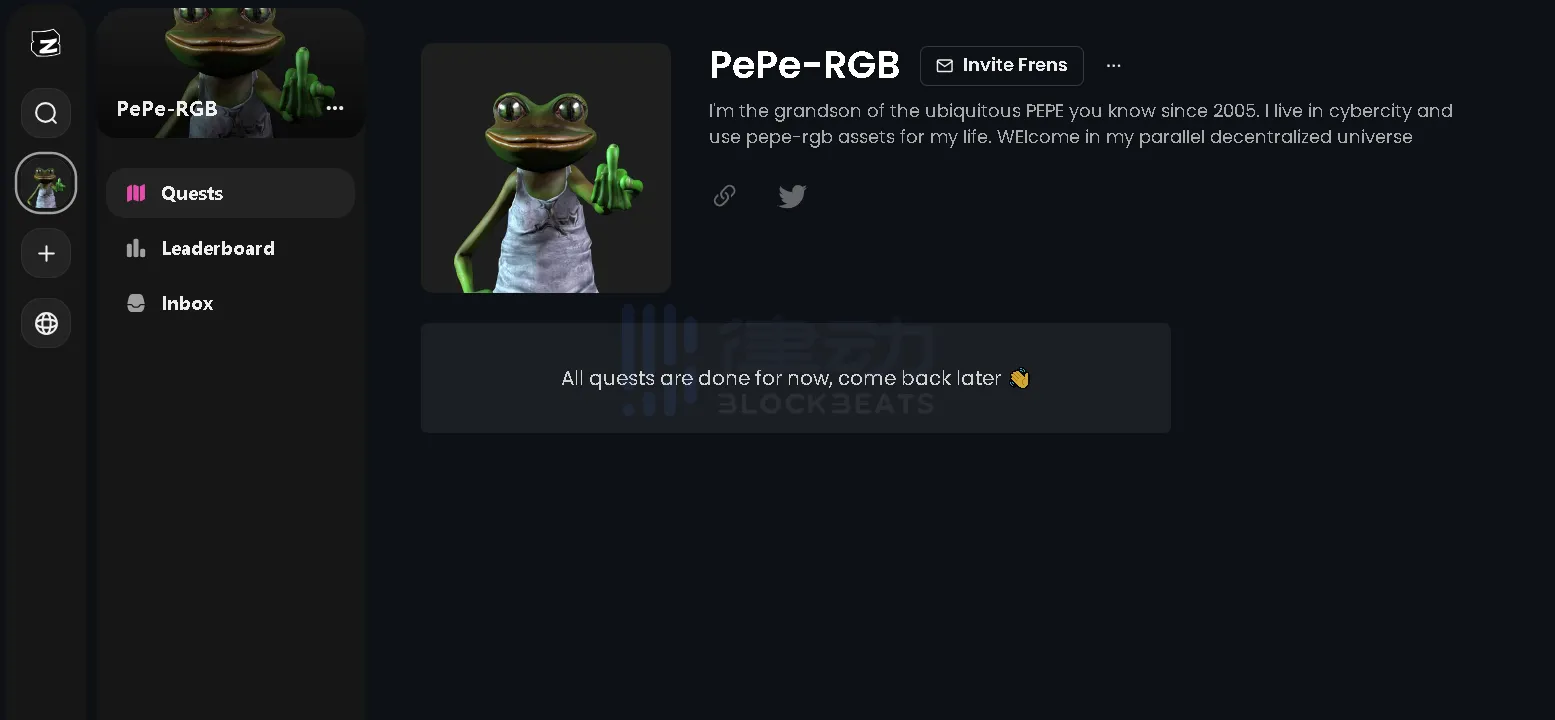
2. Currently, the "PePe RGB" task has ended, and previous activities required logging in to a Zealy account. You can choose to log in with Discord, wallet, or email.
3. After completing the Twitter task as instructed, simply fill in your BitMask Wallet username.
OKX Web3 Wallet
除了一些主流比特币钱包外,OKX Web3 wallet has become one of the choices for many users due to its availability on mobile devices, which lowers the entry barrier for users.
OKX Web3 Wallet is the first multi-chain wallet that supports Ordinals transactions, and the first wallet that can trade BRC-20 tokens on mobile devices. It fully supports the minting and trading of BRC-20 tokens and BTC NFTs.
Wallet Registration Tutorial
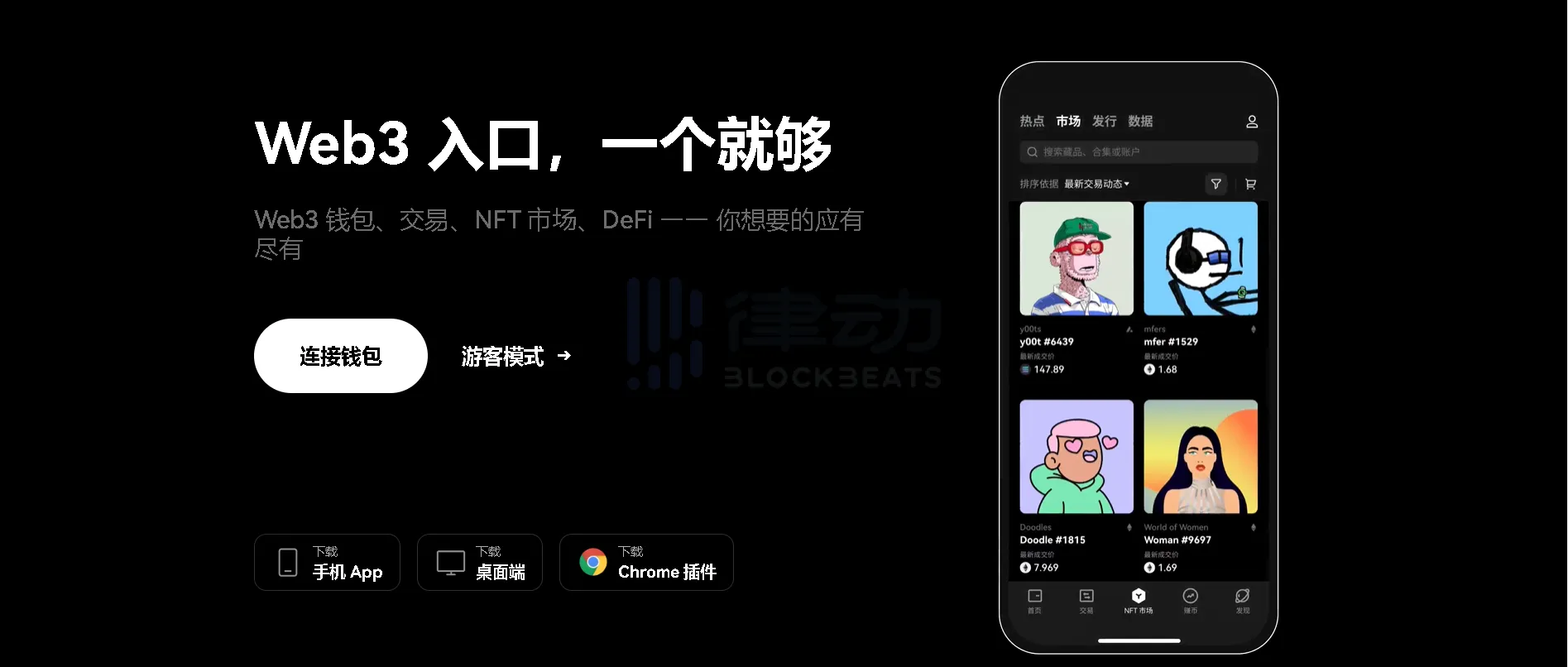
After creation, a mnemonic phrase will pop up on the wallet homepage for backup. Follow the instructions to select and verify the correct mnemonic phrase, and then you can start using the wallet.

Enter the Bitcoin ecosystem
Related reading: "OKX Web3 Wallet 7 Popular Features Introduction, Deepening Bitcoin Ecology and Multi-Chain Interaction Experience".
BlockBeats reminds that currently the Bitcoin ecosystem market is dominated by FOMO sentiment, and the vast majority of inscriptions and protocols are showing violent capital rotation. Investors need to participate cautiously. In addition, there are currently many new wallets in the relevant ecosystem, the minting cost of BRC-20 tokens is low, and the vast majority of tokens themselves have no use cases. Please protect your mnemonic phrase and pay attention to identifying risks when using and investing.
Welcome to join the official BlockBeats community:
Telegram Subscription Group: https://t.me/theblockbeats
Telegram Discussion Group: https://t.me/BlockBeats_App
Official Twitter Account: https://twitter.com/BlockBeatsAsia