In-depth analysis of Tomo Wallet: Advantages and getting started guide
Original source: Tomo

Crypto users often experience difficulties in interacting with decentralized applications (dApps), one of the biggest difficulties being the operational complexity of Web3 wallets. In addition, some crypto wallets are limited to a few specific blockchains, making cross-chain asset transfers more difficult.
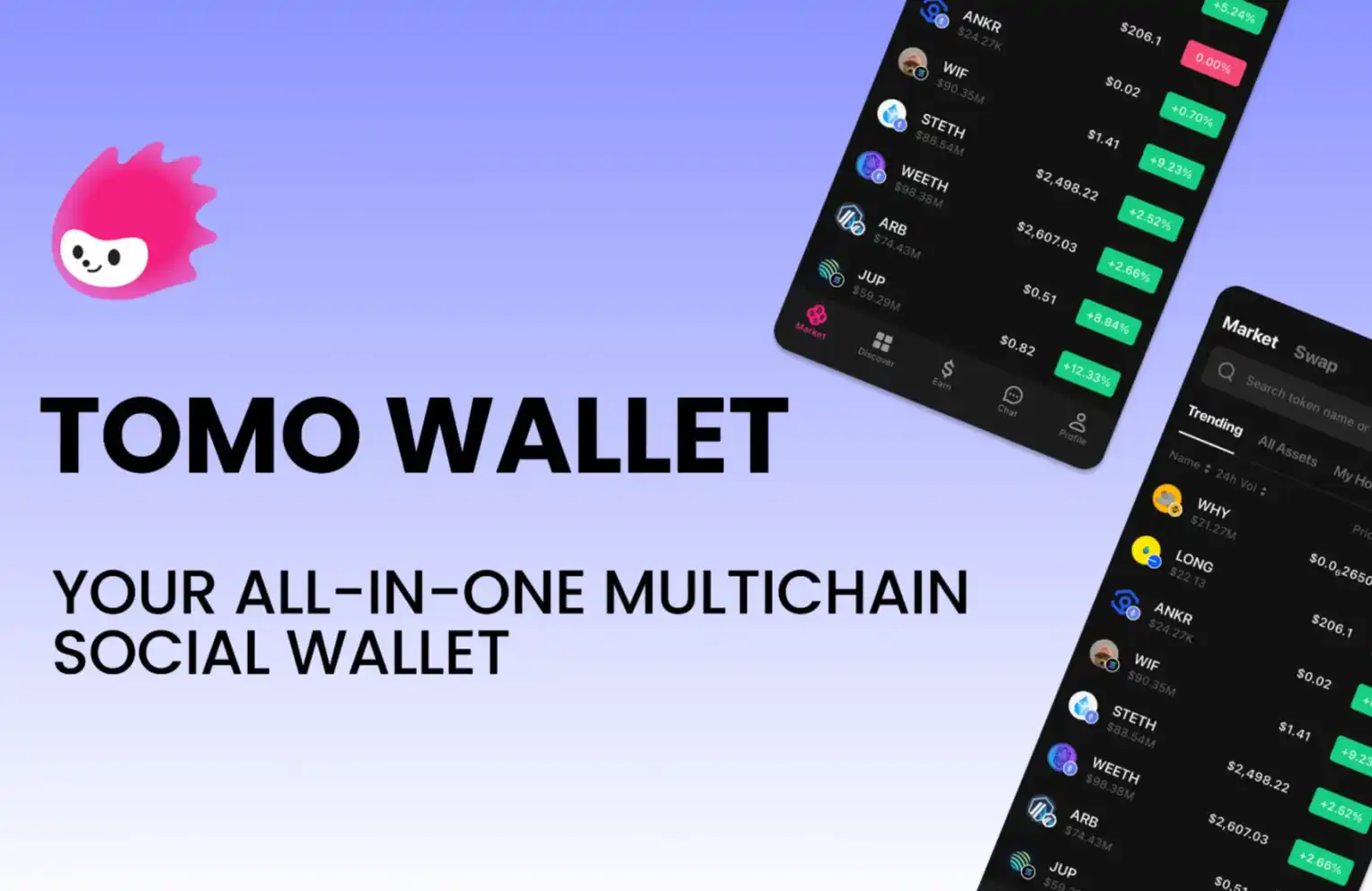
Tomo Wallet is an all-in-one social wallet that was born in this environment. Tomo Wallet features high security + multi-chain social, allowing users to easily access the Web3 ecosystem through social credentials. With Tomo Wallet, users no longer have to face complex technical steps to access dApps.
In this article, we will introduce the powerful features of Tomo Wallet to help users understand this most user-friendly crypto wallet in the Web3 space.
Why Tomo Wallet is the Best Web3 Wallet for Crypto Users
Tomo Wallet enhances the wallet experience by enabling seamless login via users’ social credentials. The multi-chain wallet’s social login feature, industry partnerships, and strong security make it easier to interact with Web3 dApps.
Tomo Wallet will soon be available on the App Store, Google Play Store mobile app and Google Chrome extension, and more ways will be added in the future.
Social Login
Tomo Wallet is equipped with a social login feature, and users can easily set up a Web3 wallet through their social accounts. A major feature of social login is that it effectively improves the wallet's user interface and simplifies the long-standing operational complexity of crypto wallets.
Social login further simplifies online interactions by combining the ease of use of Web2 with the security and sovereign asset ownership of Web3. Tomo Wallet paves the way for Web3 browsing experience by allowing users to log in with social accounts.
Tomo Wallet extension is now available on Google Chrome. Users can log in to Tomo Wallet with their Google account and use it for all dApp interactions.
Users can also log in to the Tomo app with their Google, X, Meta, and KakaoTalk accounts. Once logged in, the app automatically creates a Tomo Wallet in the background, eliminating the need to manually set up a Web3 wallet from the app.
When using Tomo Wallet, users can choose to create a Web3 wallet through a mnemonic phrase and support importing other crypto wallets.
Advanced Financial Applications
Tomo Wallet has unique features that allow users to easily access fiat and cryptocurrencies in a convenient and smooth manner. For example, you can deposit fiat currency and convert it into crypto through Tomo's deposit function, which is not available in most self-custodial wallets.
In addition, users can swap or bridge digital assets from one token to another on multiple chains with just a few clicks. Now. Token swaps and cryptocurrency transfers will become easier with just the user's social account.
Tomo Wallet will soon support staking or re-staking directly in the wallet through Lombard, Babylon, and Lorenzo.
Multi-chain asset management
Tomo Wallet is compatible with many blockchain networks and is one of the wallets that currently supports the most blockchains.
Mainnets:Arbitrum One, Avalanche, B2 Network, B3, Base, BEVM, Bitcoin, Bitlayer, Blast, BNB Chain, BOB, BounceBit, Cosmos, Ethereum, Linea, Manta, Mantle, Map Protocol, Merlin Chain, opBNB, Optimism, Polygon, SatoshiVM Alpha, Scroll, Sei, Solana, zkSync, ZKBase.
Testnets:B3 Testnet, Berachain, Botanix, Lorenzo, LumiBit Testnet, Tuna Chain, Sepolia Testnet, Babylon Testnet, Bitcoin Signet, Nubit Alpha Testnet.
With Tomo Wallet, users can easily manage digital assets, exchange tokens and transfer cryptocurrencies on multiple chains.
Strong Security Measures
The Tomo team provides top-level security for Tomo Wallet through multi-party computation (MPC) technology to protect users' sensitive data.
MPC is a privacy-preserving technology that uses cryptography to process transactions, effectively avoiding the leakage of users' private information by encrypting mnemonics and saving them in multiple destinations.
Unlike centralized exchange wallets, Tomo Wallet stores information in a sharded and decentralized manner. By utilizing Shamir's Secret Sharing (SSS), Tomo Wallet splits private keys into multiple shares to reduce redundancy.
Therefore, malicious actors cannot hack into the server to steal user data or abuse them.
Currently, Tomo Wallet is migrating to Cubist’s non-custodial wallet infrastructure CubeSigner to protect signing keys in secure hardware. As a result, users’ keys never leave the hardware when signing transactions, providing a seamless non-custodial experience for Tomo applications and extended wallets.
In addition, CubeSigner’s built-in key export strategy prevents malicious dApps or cross-site scripting vulnerabilities from stealing keys when using Tomo Wallet. This way, users don’t have to worry about key security when using dApps embedded with Tomo Wallet, unlike other embedded wallets.
With CubeSigner, only users can export their keys, not any third-party applications or hackers.
This strategy limits exports to Tomo applications and extension wallets, requires two-factor authentication (2FA) to initiate exports, implements a mandatory time lock to cancel unauthorized requests, and requires 2FA again to complete key exports.
Connect Telegram
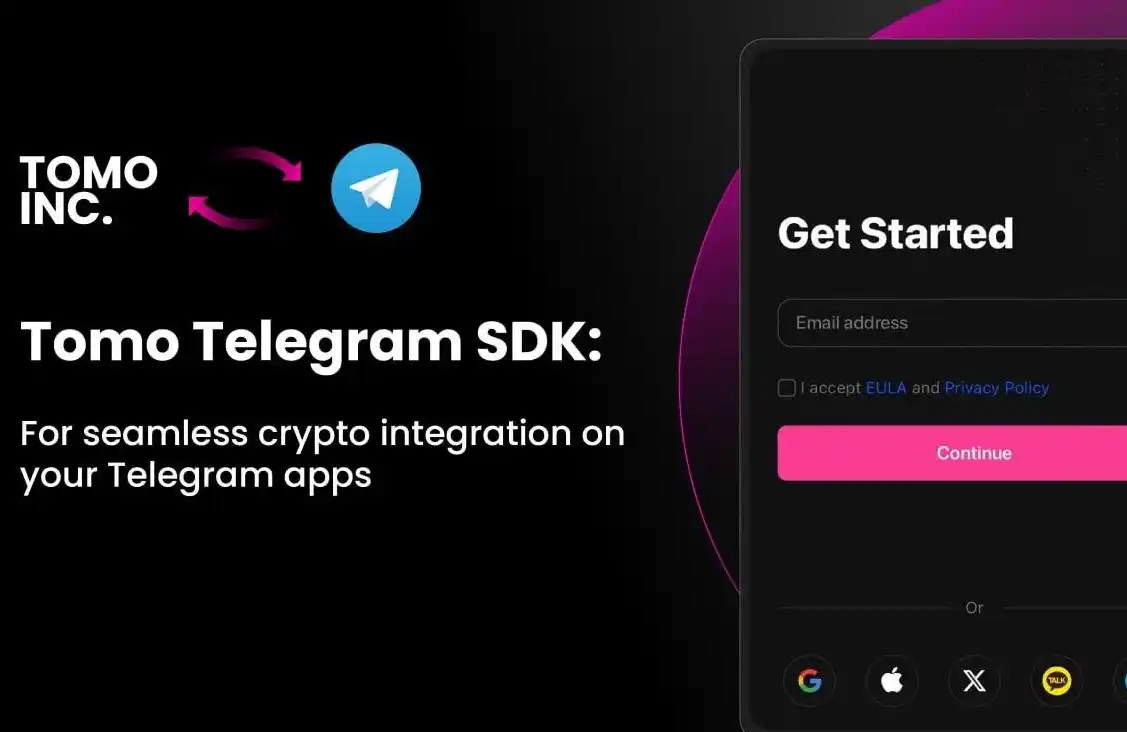
Tomo perfectly combines the power of Web3 with the convenience of Telegram, bringing 900 million active Telegram users directly to the Web3 world.
Tomo Telegram Wallet is a major innovation that integrates a decentralized wallet directly into a Telegram app. It brings an unprecedented blockchain experience to Telegram users directly in the social software, helping 900 million Telegram users to manage assets, trade cryptocurrencies, and explore the decentralized world.
Tomo Telegram Wallet is unique in that it allows users to send, receive, and exchange tokens between multiple chains, as well as link the Dapp world and confirm signed transactions in the familiar interface of Telegram. Tomo Telegram Wallet will be launched soon, so stay tuned.
Have many powerful partners
Users can choose Tomo Wallet from Tomo’s many partner dApps and log in to the wallet with a Google account. The wallet will be automatically created in the background, providing users with a simple setup experience.
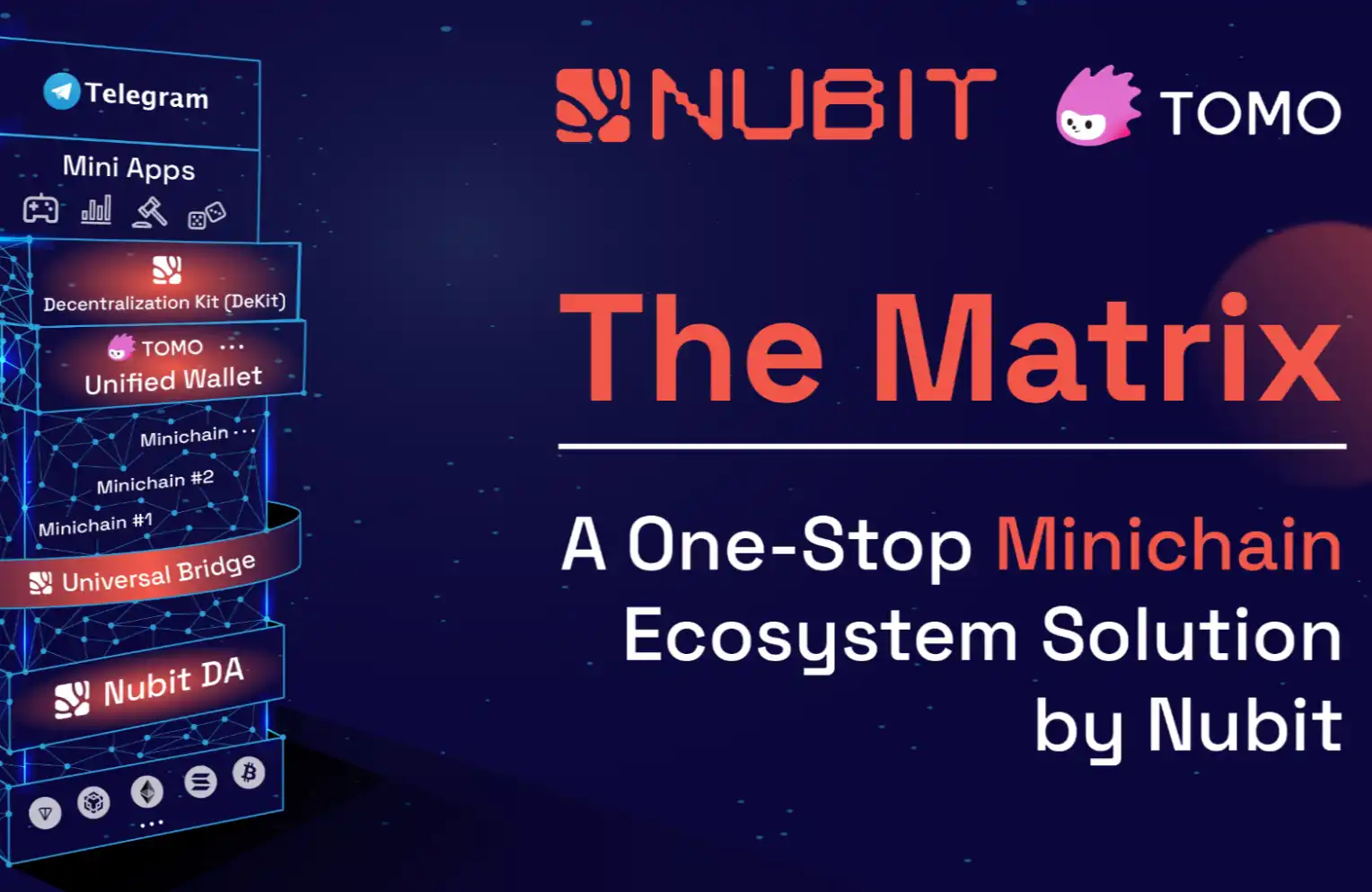
So far, Tomo has reached cooperation with leading companies in many industries, especially in the field of Bitcoin DeFi. Partners include Babylon, Yala, Bitlayer, Lorenzo, Galxe, Lombard, B3, Stake Stone, Chakra, UniRouter, Rango, Cubist, Satori and Nubit, and other partners will be announced in the coming months.
Get Social with Tomo Wallet
Tomo is developing more Web3 tools to make it easier and more convenient for users to join the Web3 world. Tomo Wallet is a stepping stone to a future where users don’t have to worry about the complexity of Web3 wallets. Instead, they can simply connect to Tomo Wallet and participate in the Web3 economy in one place.
This multi-chain Tomo Wallet with social login and powerful security features brings disruptive innovation to the cryptocurrency space and encourages more users to participate in the Web3 ecosystem. As a true social wallet, it will empower you to stay connected with your friends and favorite content creators.
Join Tomo and let your social capital shine here
Tomo Wallet|Website|Blog|X (formerly Twitter)
This article comes from a contribution and does not represent the views of BlockBeats
Welcome to join the official BlockBeats community:
Telegram Subscription Group: https://t.me/theblockbeats
Telegram Discussion Group: https://t.me/BlockBeats_App
Official Twitter Account: https://twitter.com/BlockBeatsAsia
 Related Articles